HaptiBraille
Unmute
How much experience does your group have? Does the project use anything (art, music, starter kits) you didn't create?
Experience: Our group has beginner-to-intermediate experience. Our members have shipped a couple of projects, mostly in machine learning with Python. We had very little mobile app development experience, so we used AI assistants (Claude Code and Codex) to help write and debug much of the Flutter/Dart app. We drove the product decisions ourselves: the problem we chose, the features, the training design, and testing on a real phone.
Things we used but didn't create:
- Starter template: the project was generated with Flutter's standard flutter create template, and the app still uses Flutter's default launcher icon.
- Open-source libraries: Flutter and the Dart packages flutter_riverpod (state management), hive / hive_flutter (on-device storage), speech_to_text (speech recognition), fl_chart (charts), and clock (timing in tests).
We used no music, sound effects, or third-party artwork. The team photos on the website are our own.
Things we used but didn't create:
- Starter template: the project was generated with Flutter's standard flutter create template, and the app still uses Flutter's default launcher icon.
- Open-source libraries: Flutter and the Dart packages flutter_riverpod (state management), hive / hive_flutter (on-device storage), speech_to_text (speech recognition), fl_chart (charts), and clock (timing in tests).
We used no music, sound effects, or third-party artwork. The team photos on the website are our own.
What challenges did you encounter?
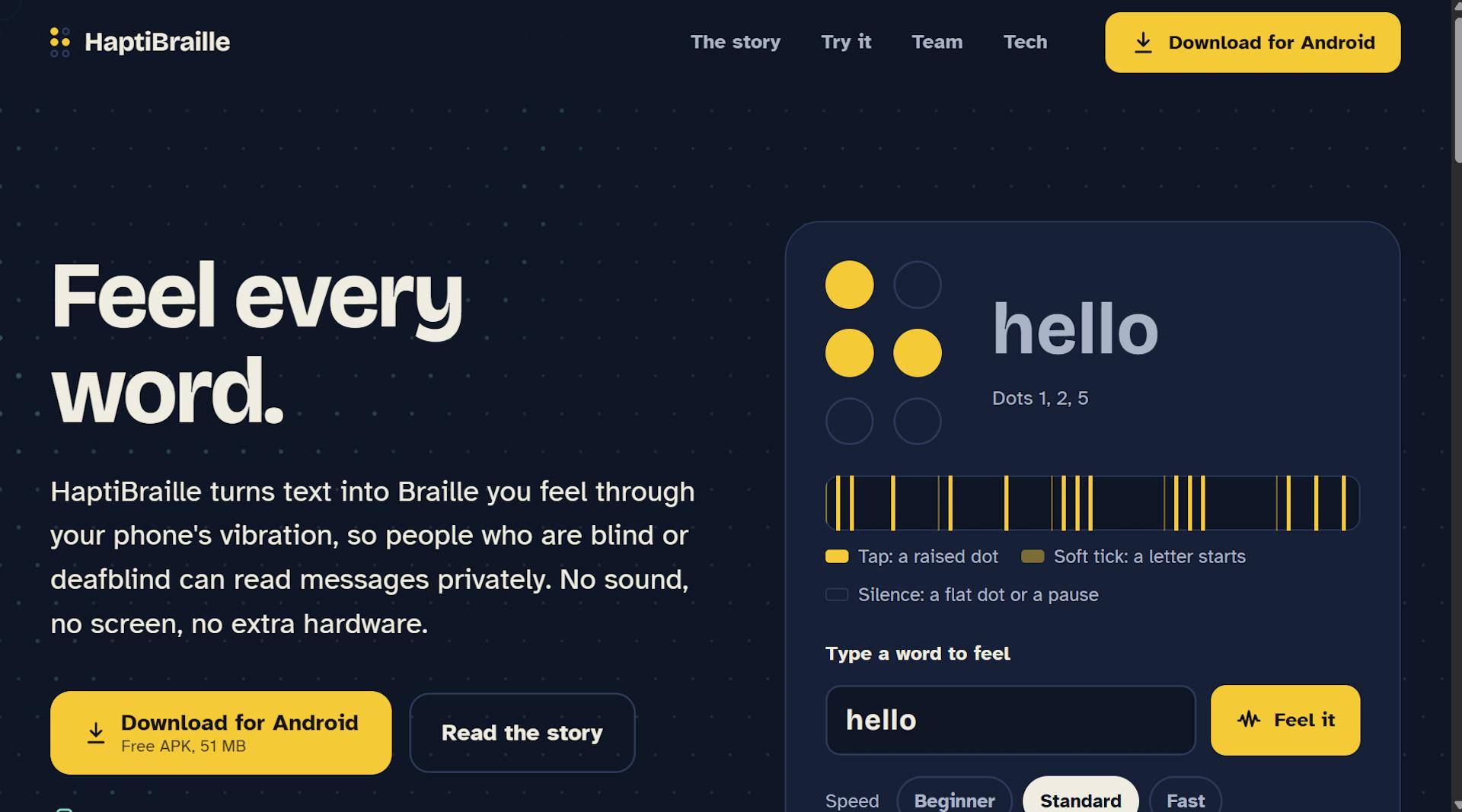
The biggest challenge was the core idea itself. A phone has only one vibration motor, but a Braille letter has six dots that you normally feel all at once. We had to turn space into time by playing the dots one after another as a rhythm. That created a new problem we didn't expect, "sensory blur": if the taps are too fast or the pauses too short, they merge into one long buzz. We also realised that letters starting with a flat dot, like "i", begin with silence, so you can't tell when the letter started. We solved this by making every timing adjustable, adding warnings for settings that cause blur, and adding a soft "tick" at the start of every letter.
The second challenge was precise timing. Normal vibration packages only let you say "vibrate for X milliseconds", which wasn't accurate enough. We had to write native Android code in Kotlin, in which we had very little experience, so the whole rhythm could be sent to the motor in a single instruction and stay accurate to the millisecond.
Since our background is mostly machine learning in Python and CP, app development itself was new to us. Just setting up the tools took real effort. Flutter wasn't installed, the Android command-line tools were missing, and the first build failed because Google's newer SDK tool didn't recognise the package name Gradle used for the NDK. We worked through these with the help of a ton of AI Assistants.
Designing for blind and deafblind users made us rethink things I'd normally take for granted. Training feedback couldn't rely only on the screen or sound, so right and wrong answers are also given as vibrations. The quiz had to hide which dots were vibrating so sighted users couldn't cheat. Speech recognition wrote letters as words like "bee" or "see", so we had to map those back to letters. Automated tests also caught layouts breaking when the phone uses large text, which many low-vision users rely on.
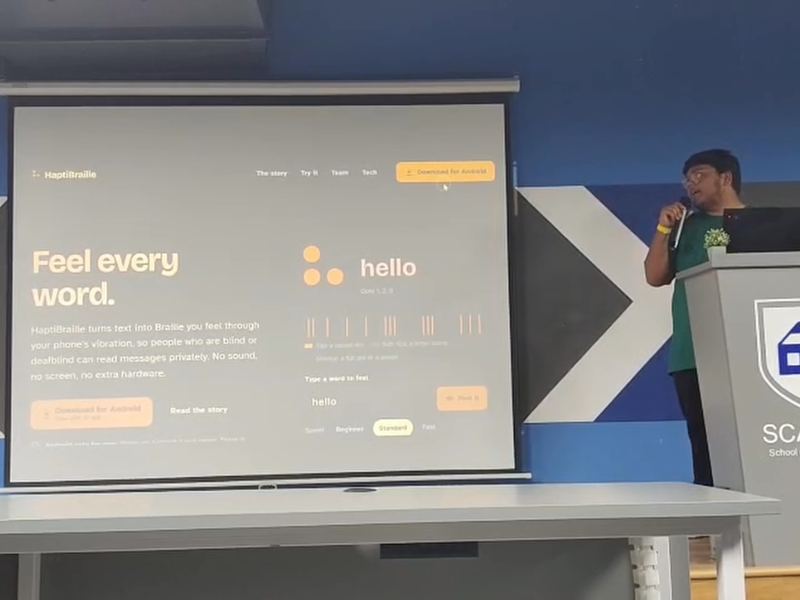
Finally, there was a presentation challenge: vibration is invisible on camera. To make the demo understandable, we made each dot light up on screen at the exact moment it vibrates.
The second challenge was precise timing. Normal vibration packages only let you say "vibrate for X milliseconds", which wasn't accurate enough. We had to write native Android code in Kotlin, in which we had very little experience, so the whole rhythm could be sent to the motor in a single instruction and stay accurate to the millisecond.
Since our background is mostly machine learning in Python and CP, app development itself was new to us. Just setting up the tools took real effort. Flutter wasn't installed, the Android command-line tools were missing, and the first build failed because Google's newer SDK tool didn't recognise the package name Gradle used for the NDK. We worked through these with the help of a ton of AI Assistants.
Designing for blind and deafblind users made us rethink things I'd normally take for granted. Training feedback couldn't rely only on the screen or sound, so right and wrong answers are also given as vibrations. The quiz had to hide which dots were vibrating so sighted users couldn't cheat. Speech recognition wrote letters as words like "bee" or "see", so we had to map those back to letters. Automated tests also caught layouts breaking when the phone uses large text, which many low-vision users rely on.
Finally, there was a presentation challenge: vibration is invisible on camera. To make the demo understandable, we made each dot light up on screen at the exact moment it vibrates.
165
62
100
118
Members


Made with 💖 by robots running our open-source software and GraphQL APIs.